
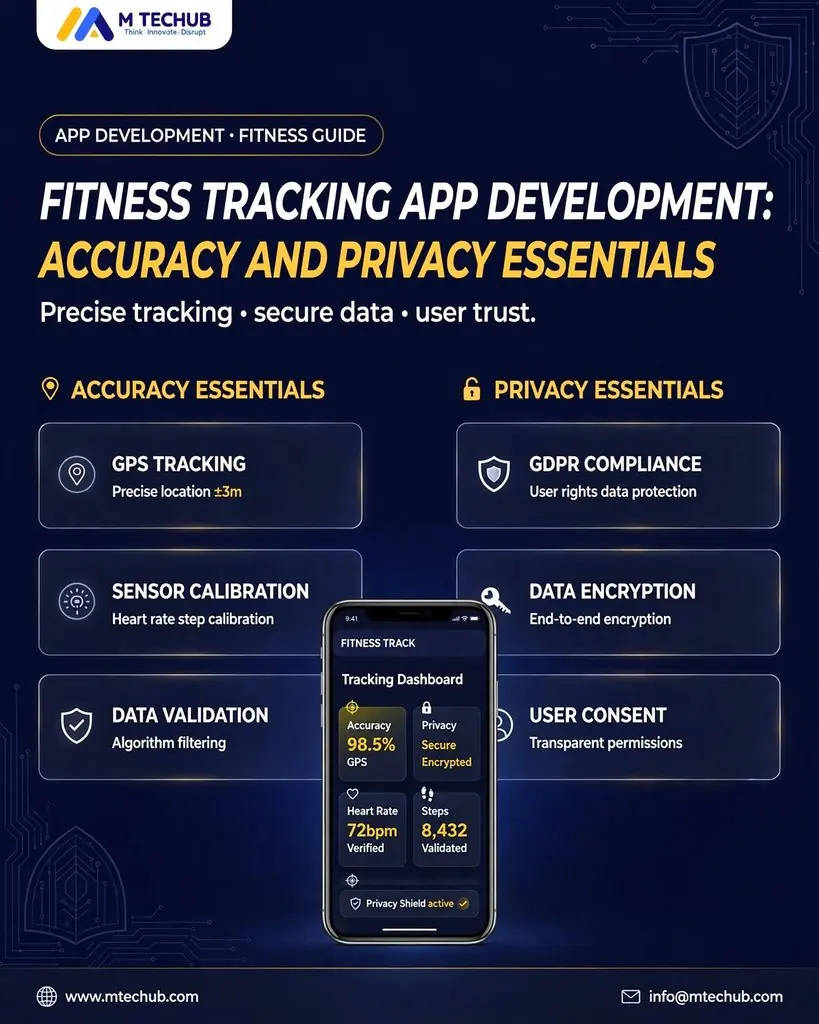
A user finishes a walk, opens your app, and sees two different step totals. Yesterday’s workout appears twice. A location permission request arrives before the app explains why it needs access.
These are product problems that a polished dashboard cannot solve.
To build a fitness tracking app, first define the metrics you will track, their data sources, the rules for resolving conflicting records, and the privacy controls users need. Then build and test the complete path from collection to display, including offline sync, permission changes, corrections, and deletion.
Fitness tracking app development requires a clear explanation of what each number represents and a reliable way to control the information behind it. This guide explains how to plan both before expanding your feature list.
Define What Your App Measures
Start with the decisions users want to make. A walking app might help someone understand activity consistency. A strength tracker might help them compare exercises, sets, and training volume. Each needs different data and different validation.
Create a metric specification before choosing integrations.
| Metric | Possible source | Planning question |
| Steps | Phone, wearable, health platform | Which source determines the daily total? |
| Workout duration | Session timer or imported workout | Does duration include pauses? |
| Distance | Route recording or imported record | How will gaps and invalid points be handled? |
| Heart rate | Compatible device or health platform | How will missing readings be displayed? |
| Energy expenditure | Imported estimate or app calculation | Which method and inputs produced the estimate? |
| Strength volume | User-entered sets, repetitions, and load | How will units and edits affect comparisons? |
For every metric, document its unit, source, intended use, update frequency, and display rules. Distinguish user entries, device readings, and calculated values.
Avoid presenting a computed score as a direct measurement. If your app calculates a calorie estimate or activity score, explain the method and its limitations. Product claims should stay within the evidence your team can support.
Treat Accuracy as a Data Pipeline
A number can become unreliable even when the original record is correct. Your app might import it twice, convert its unit incorrectly, assign it to the wrong day, or show an outdated total.
Plan validation at each stage:
- Collection: What produced the record, and what metadata accompanies it?
- Import: Was it retrieved completely and without duplication?
- Normalization: Are units and timestamps interpreted consistently?
- Aggregation: Which records belong in the total?
- Display: Does the interface explain freshness, source, and missing information?
Keep enough provenance to investigate discrepancies. Useful fields include a source record identifier, originating application or device when available, measurement period, unit, import time, and record version.
Separate the time an activity happened from the time your app imported it. A workout synchronized on Tuesday may belong to Monday’s activity history.
Choose a Source Policy Before Adding Totals
Consider this hypothetical example: a phone records 4,000 steps while a watch records 4,300 over the same period. Adding them produces 8,300 steps even though both may represent the same walk.
Define a source policy for each metric. You might use platform aggregation, a preferred source, or carefully documented overlap rules. A single rule may not suit steps, workouts, and heart-rate samples equally.
Google’s Health Connect aggregation documentation explains that Activity and Sleep aggregation uses user-controlled source priorities to resolve duplicates. Review the behavior for the exact record types you support rather than assuming all metrics receive identical treatment.
Engineering acceptance criterion: Reimporting unchanged source records should leave the displayed total unchanged.
Specify Time and Unit Rules
Decide how daily summaries handle travel, daylight saving transitions, and workouts crossing midnight. Store timestamps with the information required to apply your chosen reporting policy consistently.
Likewise, choose canonical units internally and convert for display. Test repeated conversions and edits so that switching between pounds and kilograms does not progressively change stored values.
These rules should be explicit enough that product, engineering, and QA teams calculate the same expected result from a sample dataset.
Plan Wearable Integrations Around Actual Access
In wearable app development, distinguish importing stored records from receiving live device readings. Access through a health platform does not establish that a particular device supports every metric, refresh interval, or live-streaming feature your product needs.
For each integration, verify:
- Supported data types and operating-system versions.
- Read and write permissions required by each feature.
- Available historical data and background access conditions.
- Source metadata, corrections, and deletion behavior.
- Expected latency and failure recovery.
- Whether a direct device connection is necessary.
An integration matrix helps keep the MVP realistic. Start with the platforms and metrics necessary for the core user journey, then expand after validation.
Design Useful Empty States
Apple’s HealthKit authorization documentation explains privacy protections that limit what an app can infer about denied read access. Do not interpret an empty query as proof that someone recorded no activity.
Use wording such as “No activity data available” when the cause is uncertain. Provide a settings explanation without falsely asserting a permission state.
Where access is known to be unavailable, explain how to reconnect. Where data is simply old, show the latest successful sync. Where the product supports manual entry, make that option easy to find.
Build Sync That Survives Retries and Corrections
Plan for interrupted uploads, delayed imports, edited workouts, revoked access, and records removed at the source.
Make ingestion repeatable: processing the same record again should update or preserve the existing item rather than create another copy. Use source identifiers and version information where available, with a documented fallback for sources that lack stable identifiers.
Treat corrections and deletions as part of synchronization. Otherwise, a user can remove a workout from the source and still see it in your weekly summary.
Useful sync states include:
- Up to date.
- Sync in progress.
- Offline, showing saved data.
- Connection needs attention.
- Some records could not be imported.
Avoid a generic success message if only part of an import completed. Define when summaries should be recalculated after late data or edits, and explain material changes in the interface.
Design Privacy Into the Data Model
Map data flows before deciding what belongs in the cloud. List every category collected, why it is needed, who can access it, where it goes, and when it is removed.
| Data category | Product purpose | Recommended design question |
| Account details | Login and recovery | Can optional profile fields be omitted? |
| Activity summaries | Progress history | Are raw samples needed on the server? |
| Workout routes | Route display | Can collection stay off unless requested? |
| Coach sharing | Client feedback | Can users select and revoke shared categories? |
| Diagnostics | Troubleshooting | Can logs exclude health values and identifiers? |
Keeping raw records locally may suit some products; cloud storage may support backup or coaching. Evaluate each against the actual feature, retention needs, access model, and operational responsibilities.
Collecting less data makes the product easier to explain and limits the information your team must manage.
Separate Permission From Sharing Choices
An operating-system permission prompt addresses platform access. Your product still needs to explain server uploads, coach access, and other downstream uses.
Request access when the user activates the relevant feature. A step dashboard should explain its request for activity data. A route-recording feature should explain its location request at the point of use.
Design separate choices for optional uses. Keep basic tracking usable when an unrelated optional feature is declined, wherever the product architecture allows it.
Make Deletion an End-to-End Feature
Specify how account deletion affects activity records, derived summaries, shared dashboards, exports, vendor-held information, and backups. Document any retention that must continue and the reason.
Distinguish disconnecting an integration from deleting information already imported. Make both consequences clear before the user acts.
Test the workflow with realistic data. A successful button click is insufficient if the records remain accessible through another screen or API.
Check US Privacy Obligations Against Your Business Model
A fitness tracker does not automatically fall under HIPAA because it collects health-related information. Applicability depends on the entities involved, the relationships, and the services performed. HHS describes circumstances in which an app developer working on behalf of a covered entity may be a business associate in its health app use scenarios.
For a consumer product, assess other applicable protections. The FTC’s Health Breach Notification Rule guidance explains coverage for certain personal health record vendors and related entities outside HIPAA. Depending on coverage and circumstances, unauthorized disclosure can trigger obligations as well as a cybersecurity intrusion.
State requirements also need attention. Washington’s My Health My Data Act guidance describes protections for consumer health data outside HIPAA and obligations for businesses within its scope.
Before launch, have the actual data flows, target markets, vendor relationships, and product claims reviewed against applicable requirements. A privacy policy or security feature alone does not establish compliance.
Keep an incident-response plan with responsible owners, investigation procedures, and notification assessment steps. Review it when integrations or data-sharing practices change.
Keep Security and Analytics Within Scope
Recommended engineering controls include encrypted transport and storage, appropriately managed keys, secure token storage, server-side authorization, and restricted administrative access.
Test whether one account can access another account’s workouts by modifying a request identifier. For coach access, verify the active relationship and permitted data categories on the server.
Review analytics and crash-reporting payloads before release. Define approved event fields, remove sensitive screen contents from session recording, and prevent raw activity or location values from entering general diagnostic logs.
A vendor review should cover access, retention, subprocessors, deletion support, and incident handling. Revisit it when an SDK update or configuration change alters collected data.
Test Accuracy and Privacy Together
Use deterministic datasets for import and calculation tests, then test integrations on the supported physical devices. Software fixtures validate your processing logic; they do not establish the accuracy of the underlying sensor.
| Test scenario | Expected behavior |
| Same workout imported twice | One workout remains; totals stay consistent |
| Overlapping phone and watch steps | The documented source policy determines the total |
| Workout edited after import | The record and affected summaries update |
| No accessible records | The UI avoids claiming confirmed inactivity |
| Access revoked during use | The app handles the change without repeated failures |
| Network drops mid-sync | Retry preserves data without duplication |
| Workout spans midnight | Daily allocation follows the defined time policy |
| Coach sharing withdrawn | Future access is blocked according to the product policy |
| Account deleted | Data removal follows the documented workflow |
If you intend to claim a measurement accuracy level, develop a validation protocol for that specific metric, device set, activity, and user population. Define the reference method and acceptance threshold before testing.
Record differences by scenario rather than hiding them inside a single overall average. Explain material limitations in the product and its marketing.
Launch a Focused MVP and Budget for Maintenance
A practical first release can include one clear tracking journey, limited verified integrations, source-aware summaries, useful sync states, and working privacy controls.
Delay features whose data needs and validation rules are unresolved. Multiple integrations, route tracking, coach dashboards, and derived scores each add engineering and review work.
When estimating fitness mobile app development effort, include device testing, conflict handling, permission flows, deletion, incident preparation, and ongoing integration maintenance. A quote based only on screen count misses much of the work that determines reliability.
After launch, monitor sync failures and discrepancies without unnecessarily collecting raw health data. Review support reports, platform changes, and deletion failures alongside ordinary performance metrics.
Plan Reliability Before Expanding Features
Define what every metric means, how it reaches the dashboard, and how users control the underlying information. Those decisions provide a stronger starting point for development estimates and product testing.
Planning a fitness tracker? Explore M TECHUB’s healthcare and fitness app development services and discuss your tracking requirements, wearable integrations, and privacy workflows before finalizing the scope.