





M TECHUB LLC: Think. Innovate. Disrupt.

Custom CRM Development

M TECHUB LLC develops custom CRM software around how your team sells and manages customer relationships. Bring leads, deal activity, and customer history together so sales can see what needs a follow-up and onboarding can pick up where sales left off. Whether you're building a new CRM or improving an existing one, we start with the workflow your team needs to fix and the systems it already uses.

CRM dashboard showing a sales pipeline and customer records
700+
Projects delivered
50M+
End users reached
7+
Years of experience
4.9
Average client rating

Directories and platforms that recognise M TECHUB LLC

  • Jet-hunter
  • Zoya
  • Tech Behemoths
  • GoodFirms
  • Fate
  • Clutch
  • Jet-hunter
  • Zoya
  • Tech Behemoths
  • GoodFirms
  • Fate
  • Clutch

CRM software for sales and customer operations

When a new lead comes in, your team needs to know who owns it, what has already been discussed, and what happens next. When a deal closes, onboarding needs the commitments made during sales.

  1. 01

    Lead & Contact Management

    Capture leads from the sources included in your project and assign an owner based on your routing rules. When someone submits a repeat inquiry, check for an existing owner and use details such as an email address or phone number to flag possible matches.

  2. 02

    Sales Pipeline & Deal Tracking

    Track opportunities from qualification through close using stages that match your sales process. Show the deal owner, expected close date, next action, and time in stage so managers can spot stalled deals or overdue follow-ups.

  3. 03

    Account Management & Customer Handoffs

    Give sales and customer teams an account view with company contacts, open opportunities, and relevant interaction history. Before handing off a closed deal, record the agreed scope, customer commitments, and outstanding tasks.

  4. 04

    CRM Workflow Automation

    Route incoming leads, create follow-up tasks, and trigger reminders based on your team's rules. An inquiry from an existing company can go to its account owner, while a lead with unclear ownership can go to a review queue.

  5. 05

    CRM Reporting & Dashboards

    Give managers a view of pipeline movement, overdue follow-ups, and team workload. Use agreed definitions for each report, including lead conversion, win/loss, sales cycle, and pipeline value filters.

  6. 06

    CRM Integrations & Modernization

    Connect your CRM to email, helpdesk, billing, or other business systems where provider APIs and account permissions support the work. Identify which system owns each record and how staff should handle delayed synchronization, failed updates, or conflicting information.

How your CRM handles ownership, follow-ups, and exceptions

Pick the capabilities your product needs — we wire them in when the business case is clear.

  • 01

    Lead Assignment

    How new inquiries are routed, when an existing owner keeps the lead, and who reviews or reassigns records the CRM cannot route.

  • 02

    Duplicate Records

    Which details suggest a match, who reviews conflicting information, and who can merge records and preserve useful history.

  • 03

    Deal Stages and Follow-Ups

    What each stage requires, who can move a deal, and how overdue actions are flagged. Identify which stage or ownership changes need to be recorded in the activity history.

  • 04

    Customer Handoffs

    What must be recorded before handoff, who can accept or return it, and who owns outstanding tasks if it's reassigned.

  • 05

    Automation Exceptions

    Who investigates a failed action, how to check whether it already ran, and when a retry or manual action is appropriate.

  • 06

    Record Access

    Who can view, edit, or export contacts, deals, notes, and accounts. Identify which access changes and sensitive record edits need an activity history.

  • 07

    Integration Exceptions

    Which system owns the customer or deal record, who reviews conflicting updates, and how authorized staff reconcile records or retry a failed operation where supported.

Our Success Stories

See how thoughtful design, modern engineering, and applied AI solve real business challenges.

  1. Heetch

    Riders across Europe and Africa can set a fare and pay by cash or card.

    38%
    Higher rider retention with the loyalty program
    6M+
    Active users across 9 countries
    Heetch app showcase: Riders across Europe and Africa can set a fare and pay by cash or card.
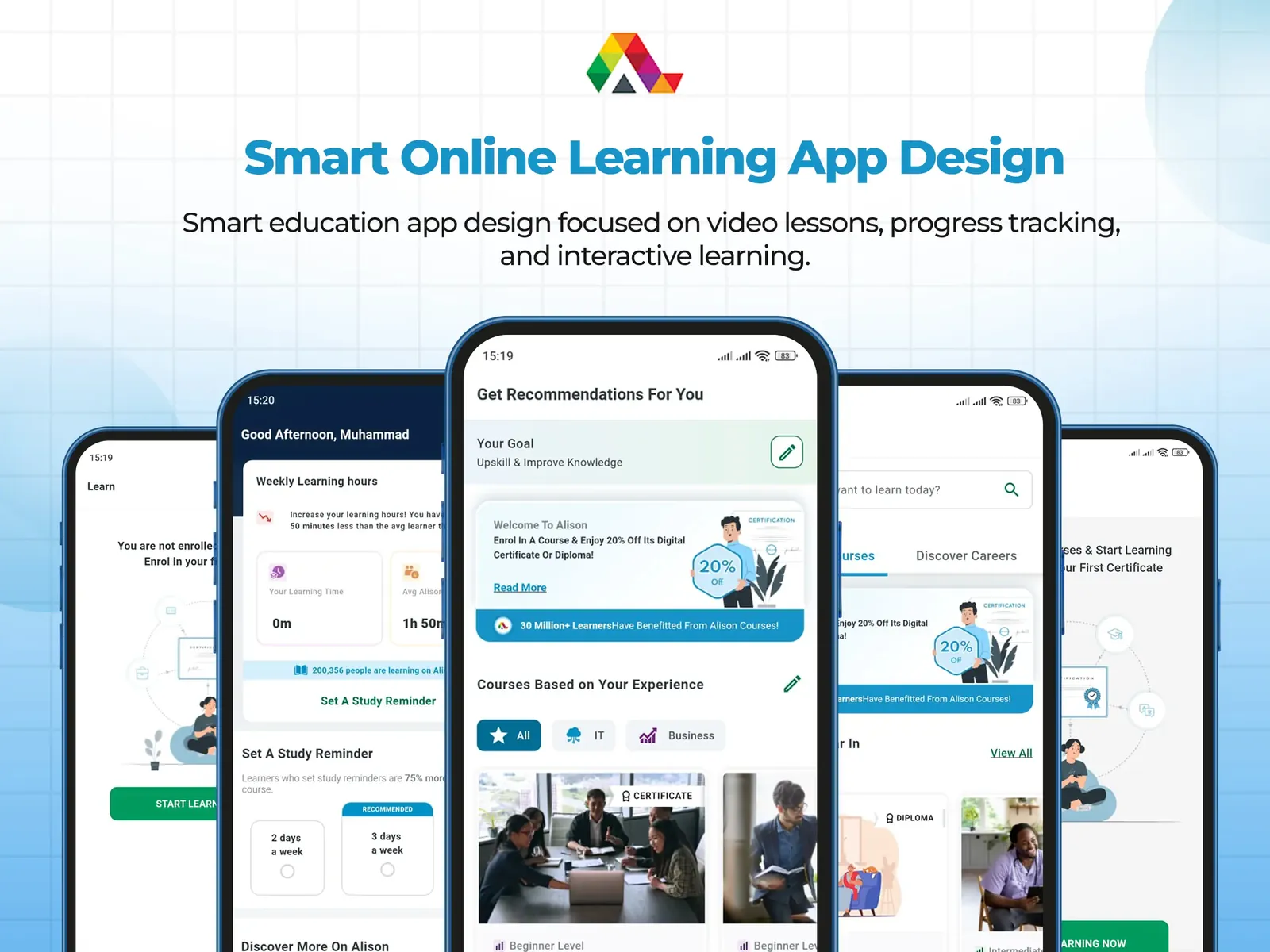
  2. Alison

    Free mobile courses with study reminders and personalized recommendations.

    75%
    Higher course completion with study reminders
    43%
    More courses per learner with AI recommendations
    50M+
    Learners on mobile
    Alison app showcase: Free mobile courses with study reminders and personalized recommendations.
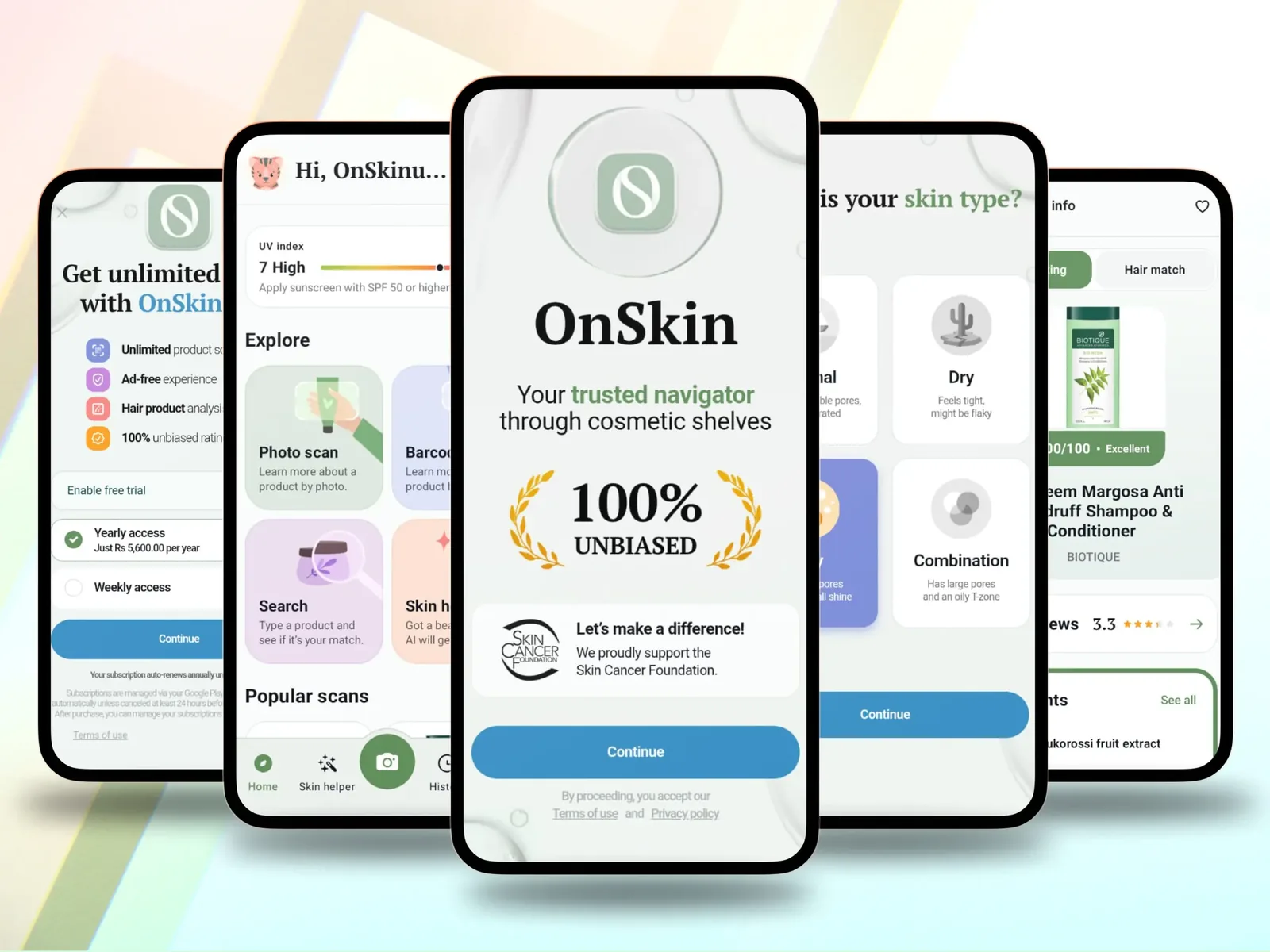
  3. OnSkin

    Shoppers scan cosmetics to look up ingredients and compare alternatives.

    8M+
    Users across iOS and Android
    2M+
    Cosmetic products analyzed
    <2 sec
    To deliver a scan result
    OnSkin app showcase: Shoppers scan cosmetics to look up ingredients and compare alternatives.
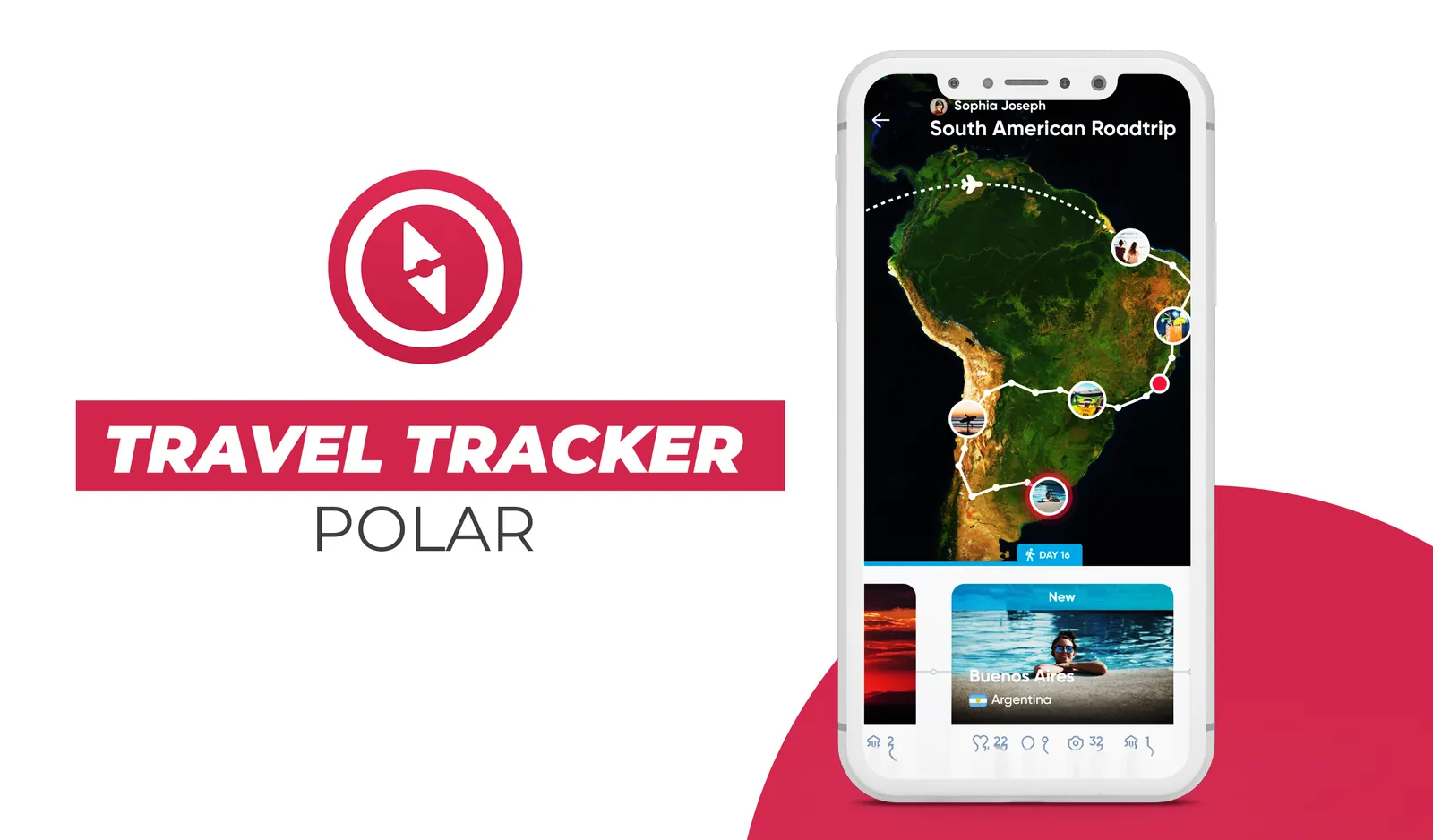
  4. Polarsteps

    Travelers record routes offline and turn their trip journals into printed books.

    52M+
    Travel days logged
    20M+
    Travelers across 184+ countries
    Polarsteps app showcase: Travelers record routes offline and turn their trip journals into printed books.
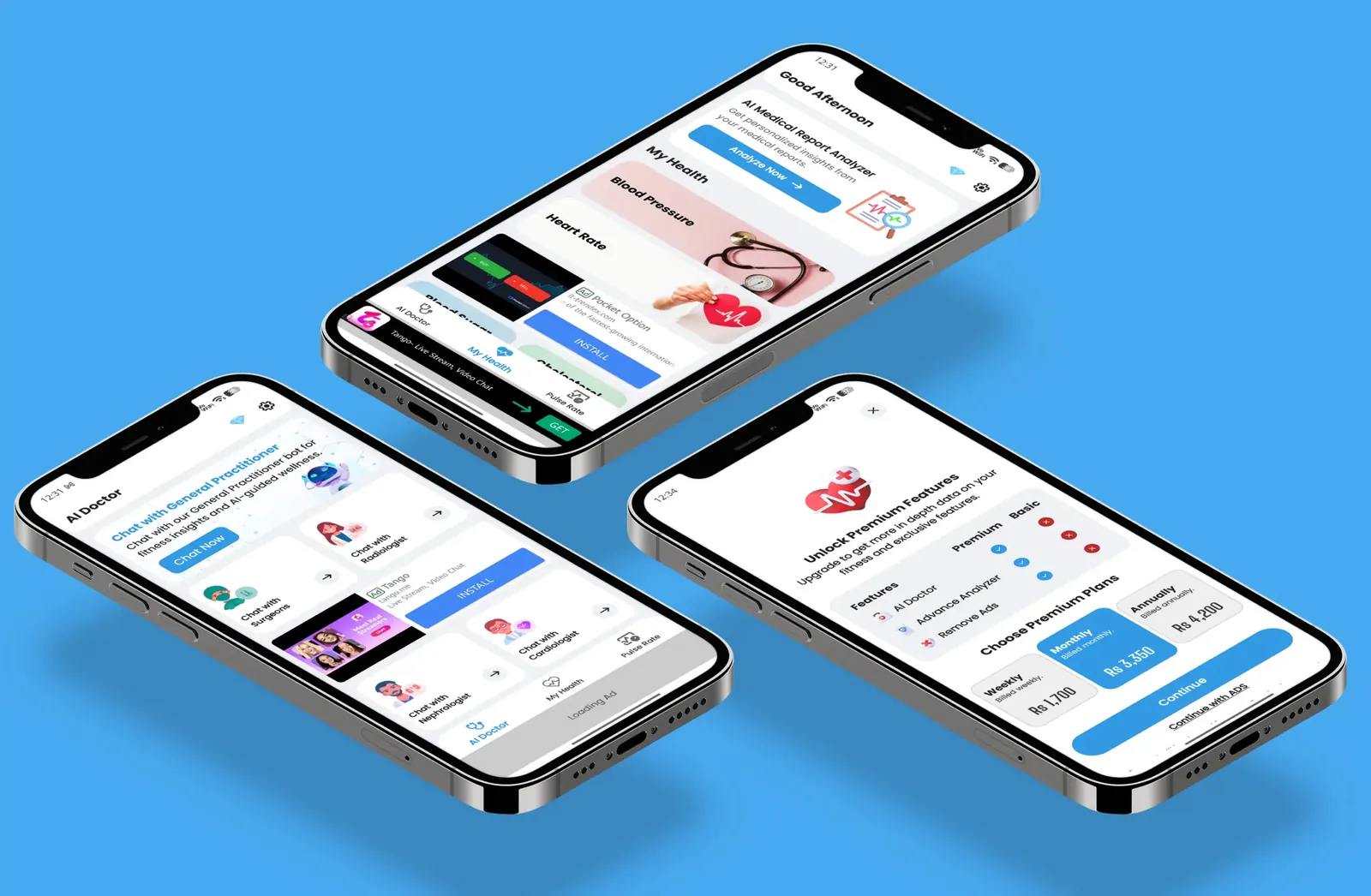
  5. AI Medical Consultation

    An Android app explains lab reports and routes symptoms to the relevant specialty.

    92%
    Of users were satisfied with how clearly the app explained their lab reports
    100K+
    Google Play downloads
    <5 sec
    For an AI response
    AI Medical Consultation app showcase: An Android app explains lab reports and routes symptoms to the relevant specialty.

What we prepare for launch

  1. 1

    Release Scope and Acceptance Criteria

    The CRM workflows included in the first release and the scenarios your team will use to accept them.

  2. 2

    CRM Workflow and Access Rules

    Ownership, deal stages, follow-up rules, handoffs, and record permissions.

  3. 3

    Integration and Data Notes

    Record ownership, supported operations, synchronization behavior, and how staff can investigate failed or conflicting updates.

  4. 4

    Launch Checklist

    Agreed checks for lead capture, assignment, deal updates, handoffs, permissions, and recovery from failed actions where in scope.

  5. 5

    Technical Handover

    Agreed documentation, CRM configuration and deployment notes, integration instructions, and authorized project access for the designated team.

  6. 6

    Post-Launch Ownership

    The contact for reported issues, responsibility for future releases, and any maintenance included in the agreement.

Planning a New CRM or Improving an Existing One?

Tell us where the current sales or customer workflow breaks down. You might need better lead routing, clearer deal stages, or a sales-to-onboarding handoff your team can track. We'll discuss which workflow to tackle first and what information or system access the project needs.

  • Software Developers
  • AI Engineers
  • QA & Testing
  • Experience Designers
  • Data Engineers
  • Software Developers
  • AI Engineers
  • QA & Testing
  • Experience Designers
  • Data Engineers
  • Software Developers
  • AI Engineers
  • QA & Testing
  • Experience Designers
  • Data Engineers
  • Software Developers
  • AI Engineers
  • QA & Testing
  • Experience Designers
  • Data Engineers

Custom CRM Development FAQs

We can scope a custom CRM around how your team qualifies leads, manages deals, and hands customers over to onboarding. We start by defining your stages, roles, required fields, and the rules that determine what happens next.

Tell us about your custom CRM project

Share how your team manages leads and customers today, which tools you use, and where the process slows down. If you're replacing a CRM or improving an existing one, tell us which workflows and records you need to carry forward. Please share project requirements only — leave out customer records, payment details, login credentials, and private API keys.